
Ordinary camera
*One picture at the moment you press the shutter
I built an app for an iPhone. I wanted to see if…
- A) I am able to do it
- B) it would work
- C) taking pictures with my phone could be fun again
List of cameras I decided not to buy
Ricoh GR, Fuji X100, Sony RX100, Canon PowerShot G7 X, Panasonic LX100, Leica Q, Contax T2, Yashica T4, Ricoh GX200, Nikon Coolpix A, Nikon Coolpix P5100 (for now).
Because I use Ordinary.
Why build Ordinary when the iPhone camera works great?
I felt that the iPhone camera became more and more like a scanner, always giving me a sharp result, focusing on the most obvious thing in the picture, correcting strong shadows and adding details to 100% black. It really works well for most situations.
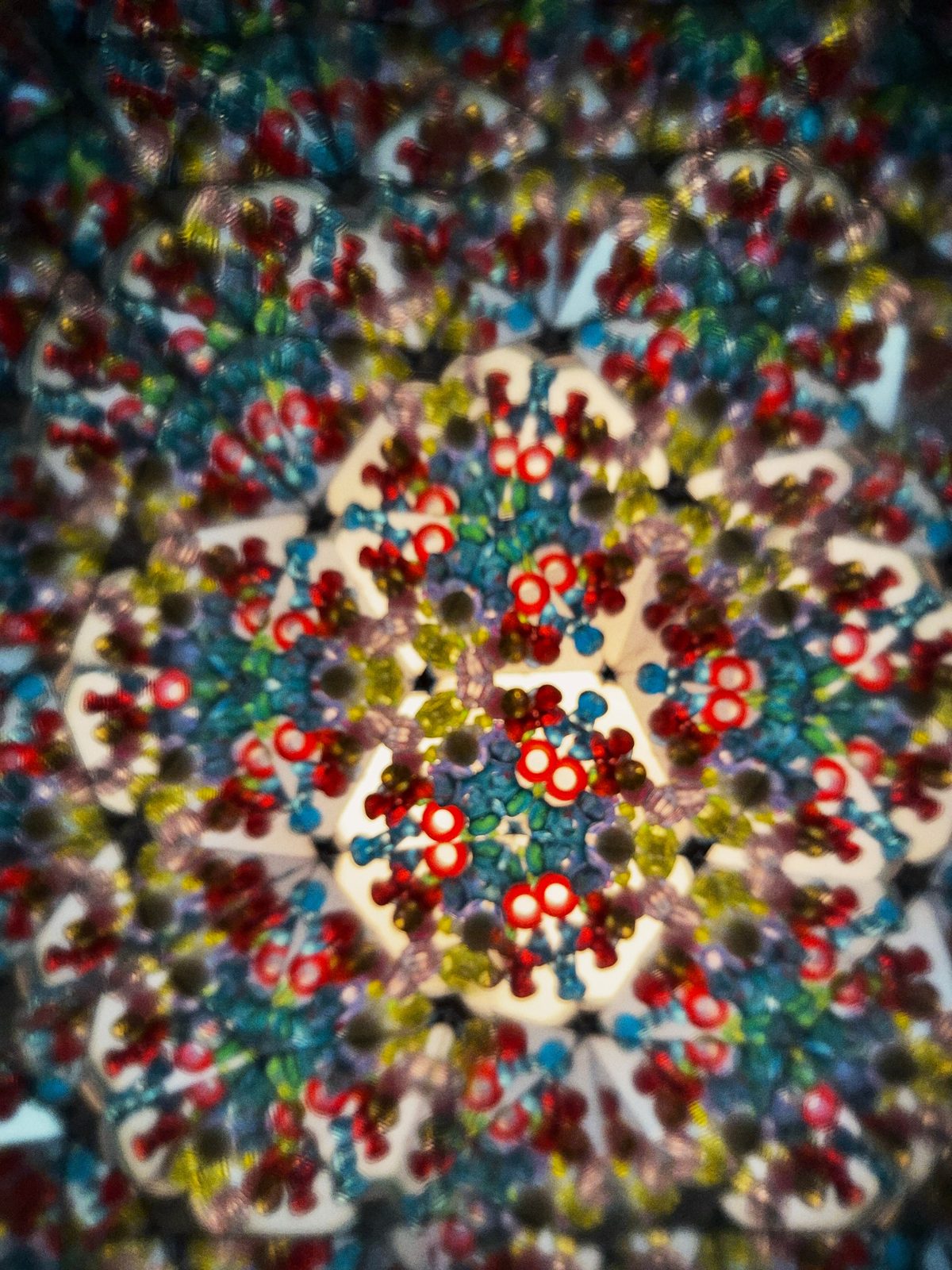
Until you have an intention or an idea or you want to see how the camera lens looks through an old kaleidoscope.

The features I added to Ordinary
- One photo, not several stacked into one HDR
- Operating the phone with one hand
- The camera shutter works as a joystick that controls the zoom
- Manual focus
- 6 film looks
- Manual ISO, EV, Speed, Grain, White balance, and more…
Ordinary Plus
One payment, once, inside the app. There is no subscription. It adds four more film looks and the three things below.
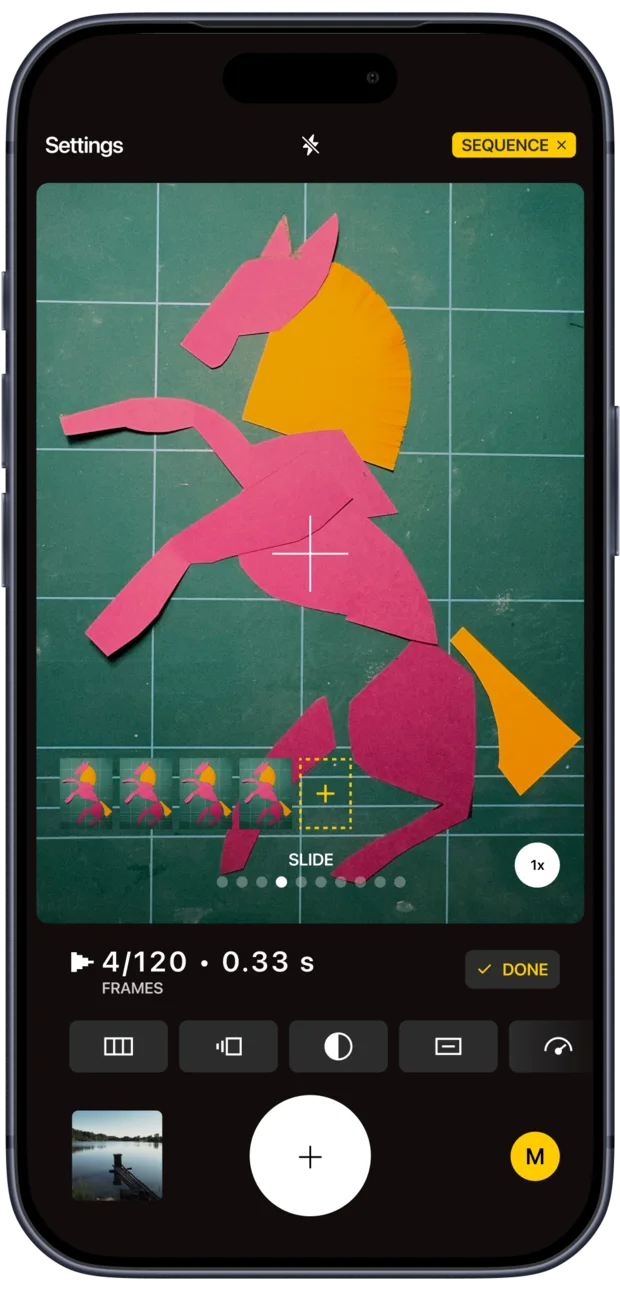
Sequence
Up to 120 frames, saved as a video file.
For years I taught children how to make animated films, so I wanted to let anyone make a short animated sequence of their own.
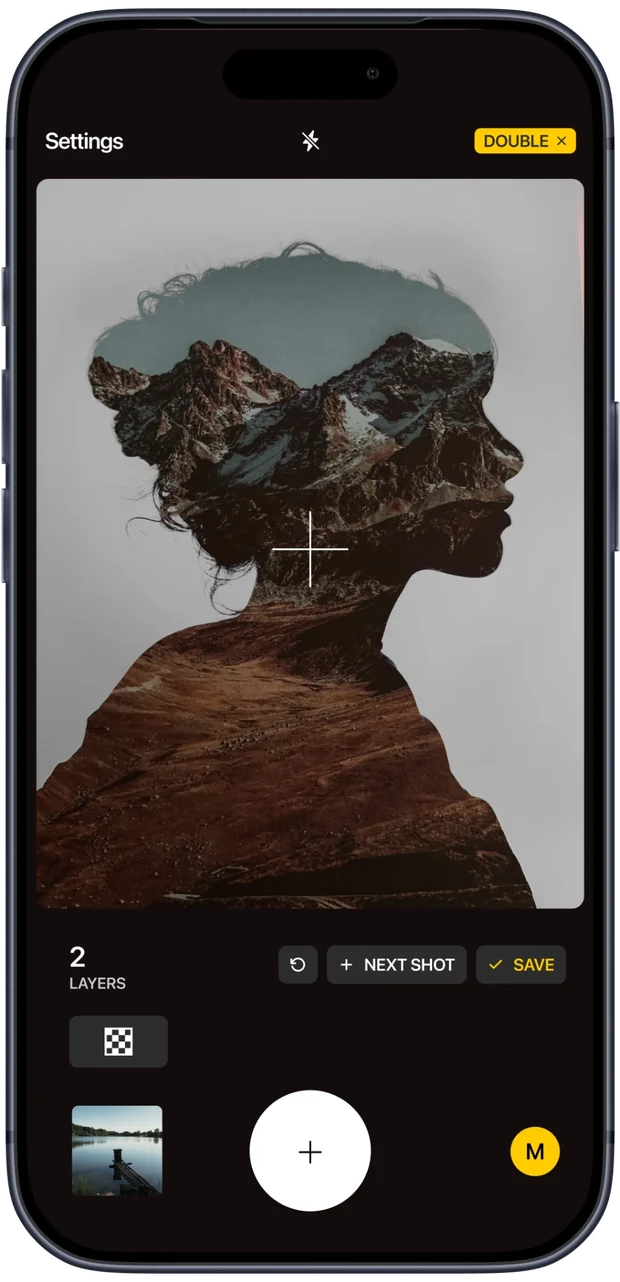
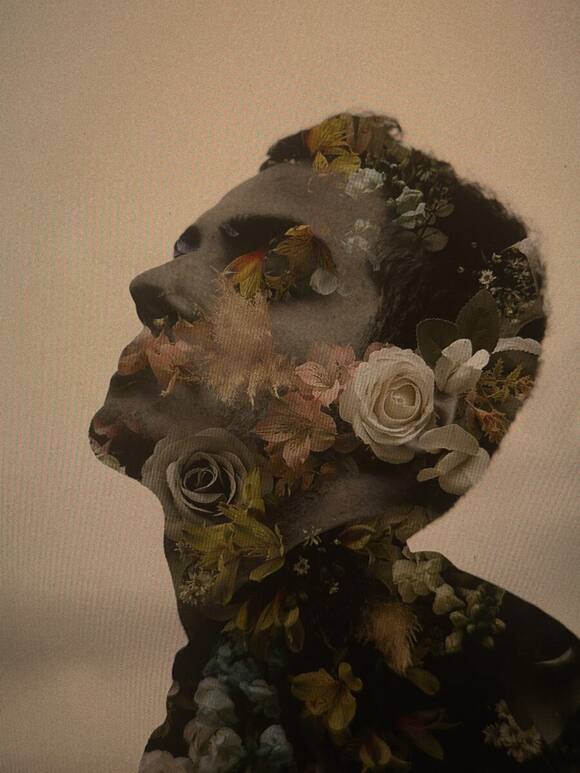
Double exposure
Up to nine layers, four ways to blend them.
The same as on an SLR, a mirrorless body or a compact, and I add one thing: the first layer can be any photograph already in your Ordinary gallery.
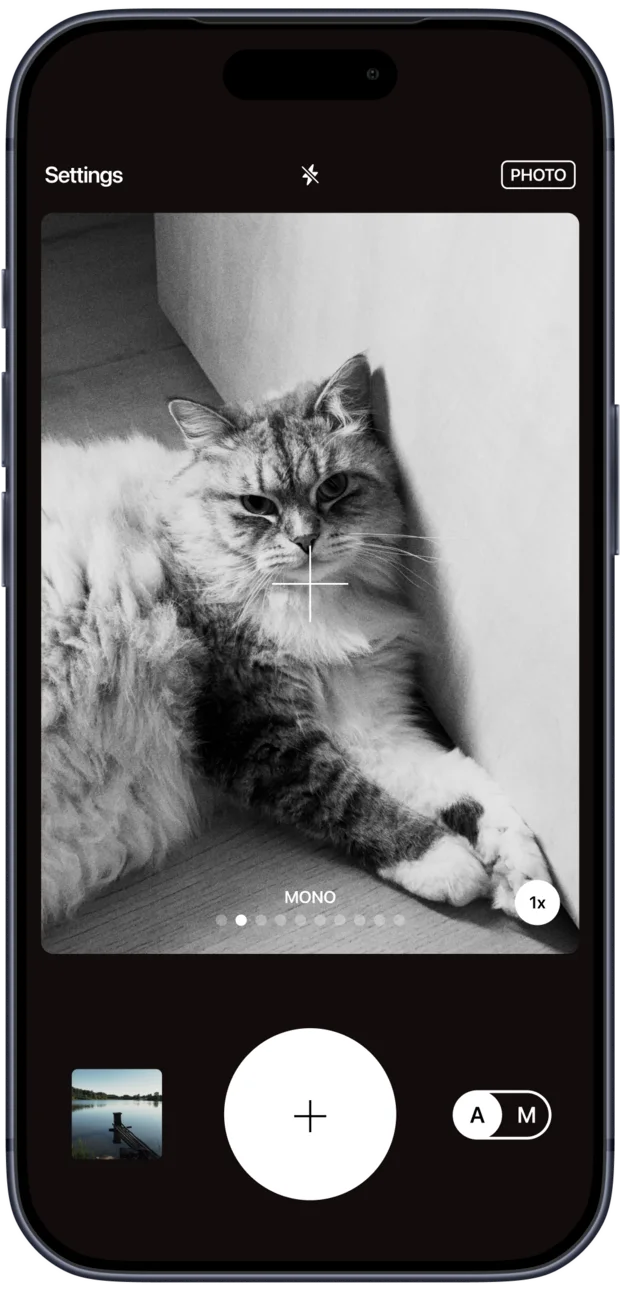
Recipe editor
Change the intensity of every film look, put them in your own order, and keep what you make.
You can set a default recipe and find it ready the moment the app opens.
I received my first few reviews
Five stars out of five
“This is exactly what I was looking for. The built-in iPhone camera processes every shot automatically. It oversharpens, smooths textures, lifts shadows and shifts colors, and there's no way to turn it off. Ordinary Camera bypasses that processing, so photos look the way the scene actually looked. Noise looks like grain instead of a smeared blur.”
Shanthi.cz · Czech Republic · 19 October 2026
Five stars out of five
“Really easy to use, aesthetically nice filters, exactly what I've been looking for from a camera app! Good job Tom!”
Yorevo · Germany · 19 October 2026
Five stars out of five
“Finally a camera app that doesn't automatically put everything through HDR! Immediately got the plus version. I kinda wish for a selfie function, but that's all!”
LeaValerie · Germany · 22 October 2026
Five stars out of five
“Simple, fun to use. Sequence and double exposure are my favorites :)”
VasekZ. · Czech Republic · 20 October 2026
Photographs
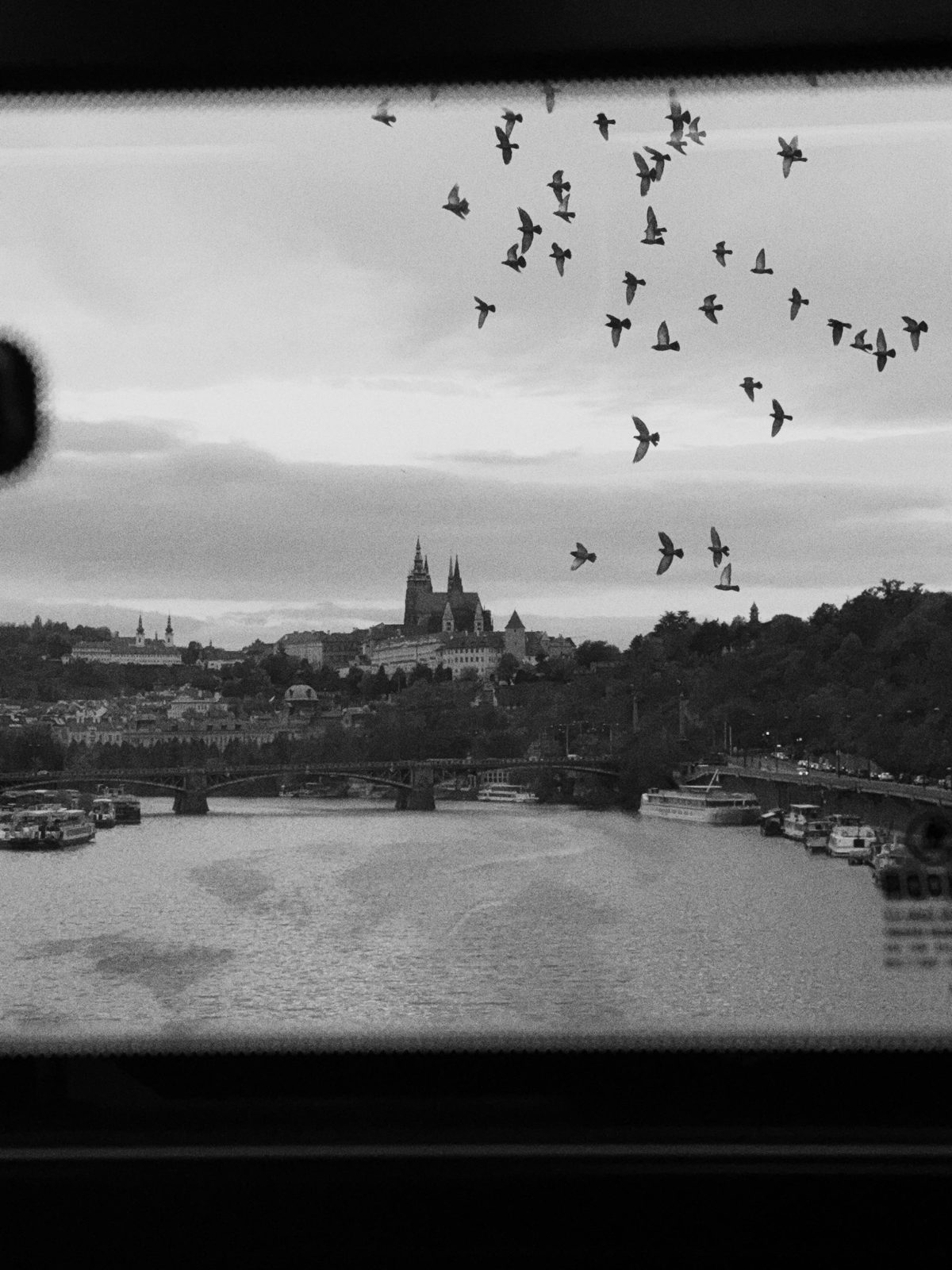
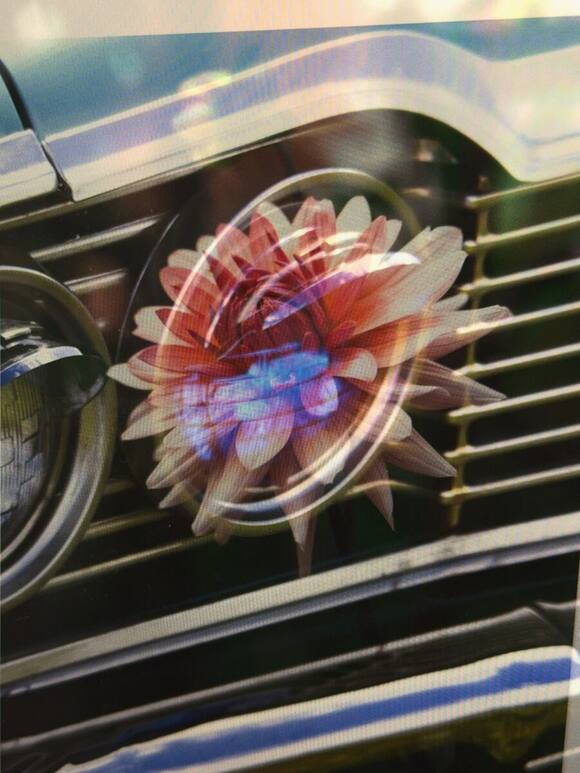
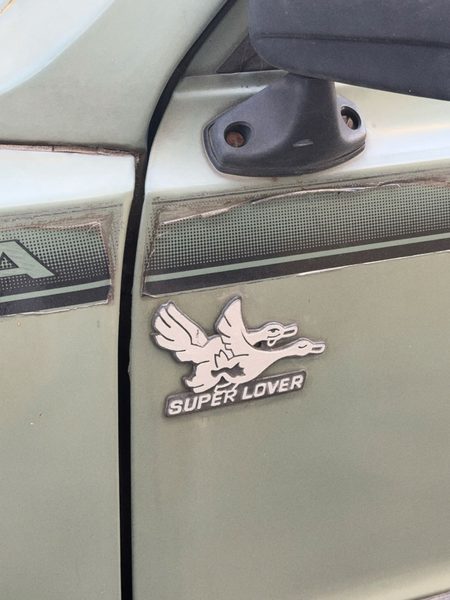
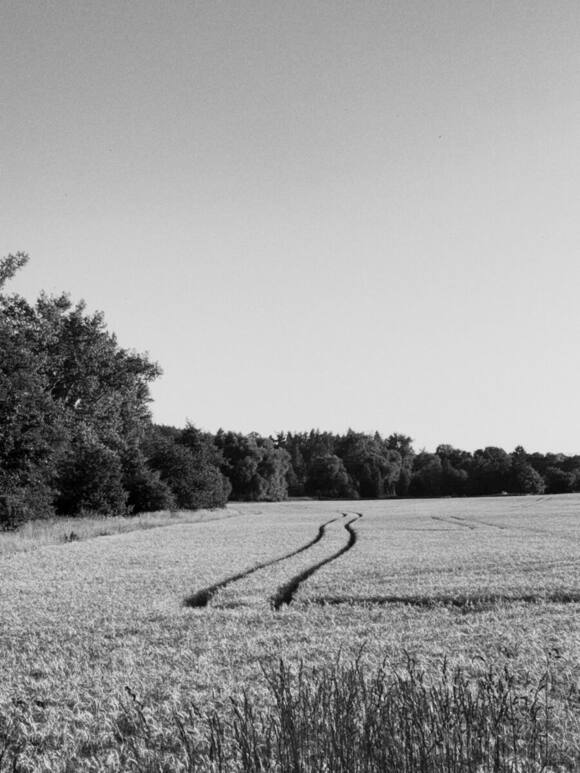
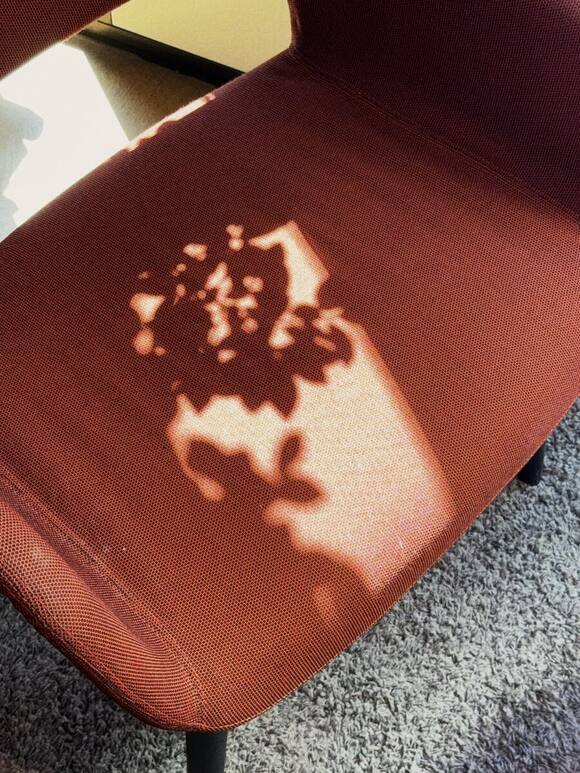
I took every photograph here with Ordinary and I publish them with nothing done to them afterwards.

An interview with myself
Questions nobody asked, and I want to answer them anyway.
Why would anyone switch off the thing that makes their photos better?
Because most of the time you do not have to switch anything off. You just switch off your own chance to decide, and accept what somebody else decided for you, somewhere between the sensor and the saved file.
Which of the six films do you actually use?
Mono. I like shooting in black and white. Ordinary Plus lets you change the intensity of each recipe and put them in your own order, so I moved Mono to the front. It is the look the app opens with.
You must have run into limits and bugs yourself. What is wrong with the app, or does not work the way you imagined?
Set the shutter by hand, leave the ISO on A, and the A is a lie. It holds whatever value it had at the second you switched over, so you walk into a dark room and the picture goes black while the dial still says A.
I knew before I shipped. iOS gives you one switch for both axes at once, custom or automatic, with nothing in between, so a real shutter priority means writing a small loop that nudges the free axis towards the light a few times a second. That is surgery on the part of the app everything else is standing on, and I was not going to do it in the week before release.
So it is in there. It is written down. It is the first thing after this.
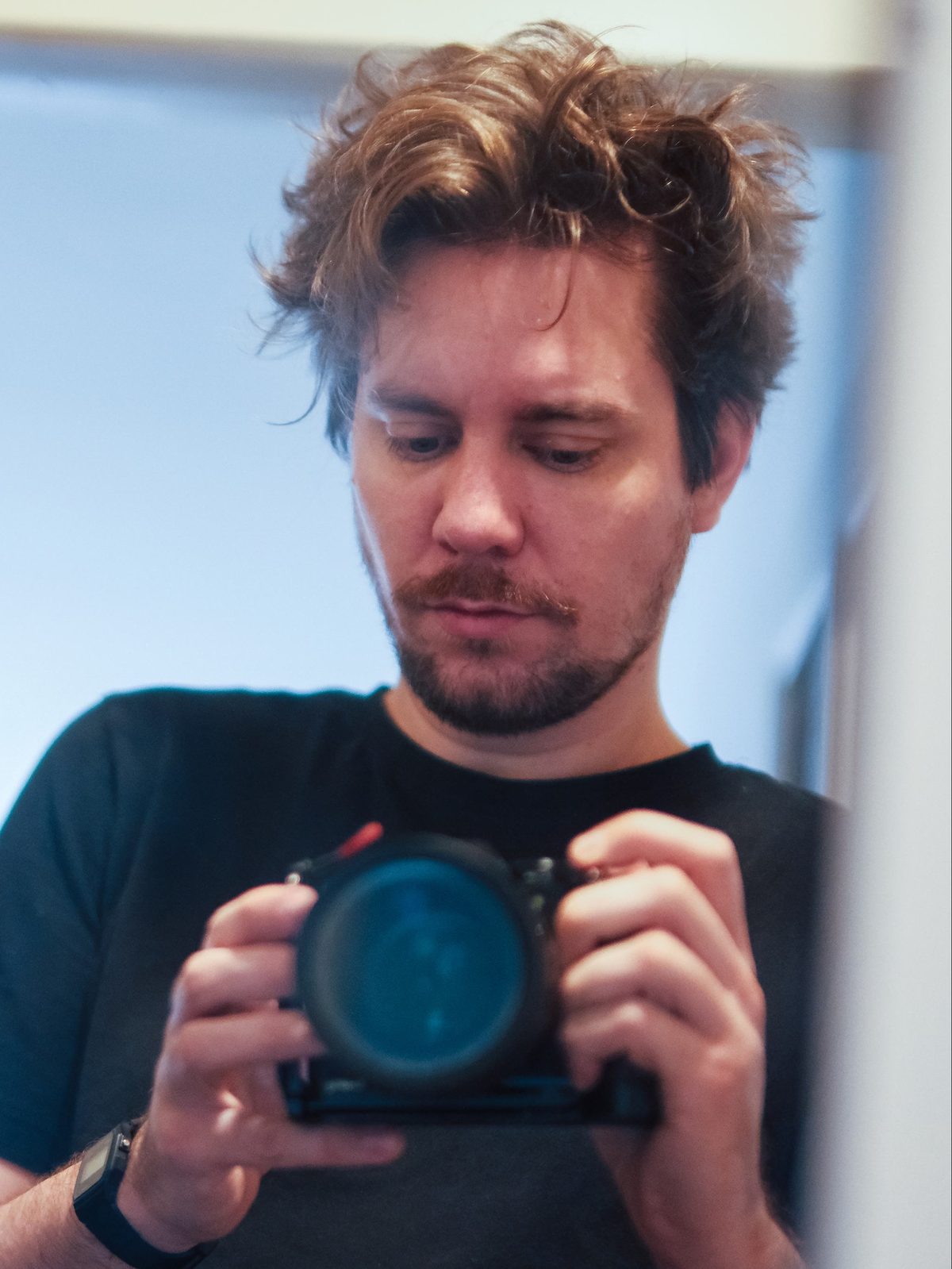
And this is me…
Holding Fuji X-T5 with 50mm f/1.0 I borrowed to shoot my cousin's concert.
I am also a father, designer, illustrator and children's book author.
Ordinary is my second project related to photography. For more than 2 years, I was making upcycled 3D printed lenses with optical element taken from used disposable cameras called MONOCLELENS.
I sold over 500 lenses and sent them to people all over the world, building a community of people who share the same interest.
Leave room for a mistake.
Most of the time the phone is right, and it will keep being right. This is for the times you would rather find out yourself.
Free. Ordinary Plus is one payment, once, with no subscription.